Websites are probably the most common source type you'll need to cite — and the trickiest. Unlike books or journal articles, web pages vary wildly in how they present authorship, dates, and titles. Some give you everything you need right on the page; others leave you guessing who wrote it, when it was published, and what to call it.
The good news is that MLA's container system handles all of these situations with the same basic framework. Once you learn to identify the core elements, you can cite any web page you encounter. Let's walk through every scenario.
The Basic Format
Every website citation follows MLA's core element structure:
Author. "Title of Page." Website Name, Publisher, Day Month Year, URL.
Here's a complete example:
Lundgren, Sarah. "The Rise of Autofiction in Contemporary Literature." Literary Hub, 22 Sept. 2024, https://lithub.com/the-rise-of-autofiction.
What to notice: The author's name is in normal order (first name, last name) — only inverted when it's the first element, which it is here. The web page title goes in quotation marks and uses title case. The website name is italicized. The date is in day-month-year format with the month abbreviated. The URL sits at the end with no period after it.
Web Page With an Individual Author
This is the most straightforward case — a web page where a specific person is credited.
Works Cited:
Kolbert, Elizabeth. "Why Facts Don't Change Our Minds." The New Yorker, 27 Feb. 2017, https://www.newyorker.com/magazine/2017/02/27/why-facts-dont-change-our-minds.
In-text citations:
Parenthetical:(Kolbert)
Signal phrase:Kolbert argues that…
If the page has page numbers (rare for websites), include them in the in-text citation. Otherwise, use the author's name alone.
Web Page With a Corporate or Organizational Author
Many web pages — especially from government agencies, nonprofits, and universities — list an organization as the author.
Works Cited:
National Institute of Mental Health. "Anxiety Disorders." NIMH, U.S. Department of Health and Human Services, Apr. 2024, https://www.nimh.nih.gov/health/topics/anxiety-disorders.
In-text citations:
Parenthetical:(National Institute of Mental Health)
Signal phrase:The National Institute of Mental Health notes that…
Use the full organization name in your in-text citation. If it's long and you cite it frequently, you can introduce an abbreviation:
First citation: (National Institute of Mental Health [NIMH])
Subsequent citations: (NIMH)
Web Page With No Author
If you genuinely cannot find an author (check the byline, the "About" page, and the page source), begin the entry with the title of the page:
Works Cited:
"Endangered Species Act: Overview." U.S. Fish & Wildlife Service, 2024, https://www.fws.gov/law/endangered-species-act.
In-text citations:
Parenthetical:("Endangered Species Act")
Signal phrase:The article "Endangered Species Act: Overview" explains that…
Use a shortened version of the title in parenthetical citations — just enough words to match the entry unambiguously. Put it in quotation marks (since the full title is in quotation marks in the Works Cited entry).
For more no-author scenarios, see How to Cite a Source With No Author in MLA.
Web Page With No Date
Some web pages don't display a publication date. If you can't find one anywhere — not in the byline, the metadata, or the page source — simply omit the date element:
Works Cited:
Chen, Margaret. "Understanding Cognitive Load in Online Learning." EdTech Research Collective, https://www.edtechresearch.org/cognitive-load.
In-text citation:
(Chen)
Don't guess at the date. If it's not there, leave it out. You may choose to add an access date at the end (see "When to Include an Access Date" below), but MLA 9th edition does not require it.
Blog Post
Blog posts are treated as web pages. The post title goes in quotation marks, and the blog name is the container (italicized):
Works Cited:
Rivera, Marcos. "What Borges Teaches Us about Digital Memory." The Marginalian, 14 Mar. 2025, https://www.themarginalian.org/2025/03/14/borges-digital-memory.
In-text citation:
(Rivera)
If the blog is part of a larger website (e.g., a newspaper blog), that larger site becomes a second container:
Kim, David. "Three Novels That Changed How I Think about Time." Book Review Blog, The New York Times, 8 Jan. 2025, https://www.nytimes.com/2025/01/08/books/review/novels-about-time.
Online News Article
Online news articles follow the same format as web pages, with the newspaper or news site as the container:
Works Cited:
Park, Julia. "Universities Rethink AI Policies as Students Embrace New Tools." The New York Times, 22 Jan. 2025, https://www.nytimes.com/2025/01/22/education/universities-ai-policies.
In-text citation:
(Park)
If the article has no individual byline, use the news organization as the author. If the organization name is the same as the website name, list it once as the author and skip the website name to avoid repetition.
When to Include an Access Date
MLA 9th edition does not require access dates for most sources. Include one only when:
- The content is likely to change over time (e.g., a wiki article, a live database, a social media profile)
- Your instructor specifically requires access dates
When you do include one, place it at the end of the entry:
"Climate Change." Wikipedia, Wikimedia Foundation, 15 Feb. 2026, https://en.wikipedia.org/wiki/Climate_change. Accessed 20 Feb. 2026.
Format: Accessed Day Month Year. (Note: "Accessed" is capitalized, and the date follows day-month-year format.)
Author vs. Website Name — When They Overlap
Sometimes the author and the website name are the same — for example, a press release from the World Health Organization on the WHO website. When this happens, begin with the author name and skip the website name to avoid saying the same thing twice:
Works Cited:
World Health Organization. "Mental Health." 2024, https://www.who.int/health-topics/mental-health.
Compare with the case where the author and website name differ:
Lundgren, Sarah. "The Rise of Autofiction." Literary Hub, 22 Sept. 2024, https://lithub.com/the-rise-of-autofiction.
Here, "Sarah Lundgren" is the author and Literary Hub is the website, so both appear.
Wikipedia and Wiki Articles
Wikipedia articles are a special case. Since they change frequently and have no single author, the entry looks like this:
Works Cited:
"Magical Realism." Wikipedia, Wikimedia Foundation, 10 Feb. 2026, https://en.wikipedia.org/wiki/Magical_realism. Accessed 18 Feb. 2026.
In-text citation:
("Magical Realism")
Key details:
- No author — start with the article title in quotation marks
- Container is Wikipedia (italicized)
- Publisher is Wikimedia Foundation
- Include the date of the version you accessed
- Include an access date, since wiki content changes
Academic caution:Many instructors don't accept Wikipedia as a source in formal papers. However, it can be a useful starting point for finding primary sources. Check your assignment guidelines before citing it.
Formatting URLs
MLA 9th edition recommends using full URLs in Works Cited entries:
- Include the protocol: https:// (preferred) or http://
- Do not wrap URLs in angle brackets (that was an older convention)
- Do not put a period after the URL — it's the last element, and a period could be mistaken as part of the link
- If a URL is excessively long (multiple lines), your word processor will break it automatically — that's fine. Don't insert hyphens or breaks manually
DOIs vs. URLs:If an online source has a DOI (Digital Object Identifier), use the DOI formatted as a URL (https://doi.org/10.xxxx/xxxxx) instead of the regular page URL. DOIs are permanent and more reliable.
In-Text Citation Examples
Here's a summary of how in-text citations work for each website scenario:
| Scenario | Works Cited Starts With | In-Text Citation |
|---|---|---|
| Individual author | Kolbert, Elizabeth. | (Kolbert) |
| Organizational author | National Institute of Mental Health. | (National Institute of Mental Health) |
| Author = website name | World Health Organization. | (World Health Organization) |
| No author | "Endangered Species Act." | ("Endangered Species Act") |
| No date | Chen, Margaret. | (Chen) |
| Blog post | Rivera, Marcos. | (Rivera) |
| Wikipedia | "Magical Realism." | ("Magical Realism") |
| News article | Park, Julia. | (Park) |
Remember: MLA in-text citations use author and page number. Since most web sources don't have page numbers, you'll typically cite only the author (or shortened title for no-author sources). If the source numbers its paragraphs, you can add "par." — for example, (Kolbert, par. 5).
Common Mistakes
These are the errors we see most often with website citations:
- Using the URL as the author. The URL is never the author — it's the location element. If you can't find an author, start with the title.
- Forgetting to italicize the website name. The website is the container — it should be italicized like any container title.
- Putting a period after the URL. Don't — the URL is the last element and a period could break or confuse the link.
- Citing "Google" as the source. Cite the actual website you found, not the search engine you used to find it.
- Adding an access date when it's not needed. Only include "Accessed" dates for content that changes (wikis, live data) or when your instructor requires them.
- Using sentence case for the page title. MLA uses title case in Works Cited entries. Capitalize principal words.
- Confusing the publisher and the website name. The website name (container) is italicized. The publisher (the organization behind the site) is in regular text and often optional if it's the same as the website name.
What's Next
Now that you know how to cite websites, you might want to explore:
- How to Cite a Source With No Author in MLA — deeper coverage of the no-author scenario across all source types
- MLA Works Cited Page — the complete guide to formatting your Works Cited page and the container system
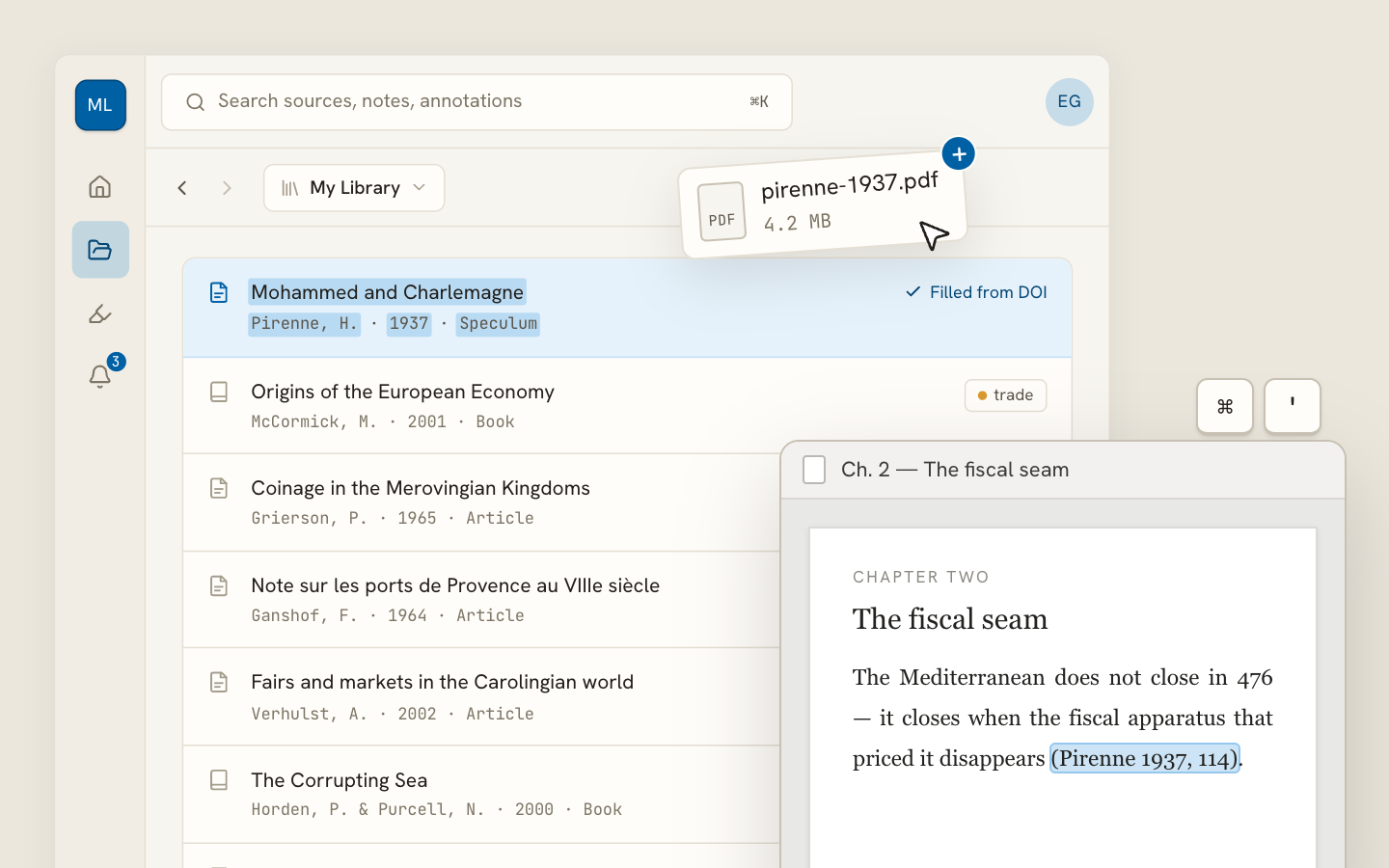
If you're tired of hunting down authors, dates, and titles on web pages, Archivero can automatically extract metadata and generate MLA Works Cited entries for any web page — just save the page to your library and the citation is ready to copy.